
Intune Assignment Checker MCP
A local, read-only MCP server that inspects and explains Microsoft Intune assignments through Microsoft Graph /beta, with delegated sign-in and secure token caching.
README
Intune Assignment Checker MCP
A local, read-only Model Context Protocol server for inspecting and explaining Microsoft Intune assignments through Microsoft Graph /beta.
This repository is the TypeScript port and MCP surface. The existing PowerShell product remains separate and is the behavioral reference for assignment resolution.
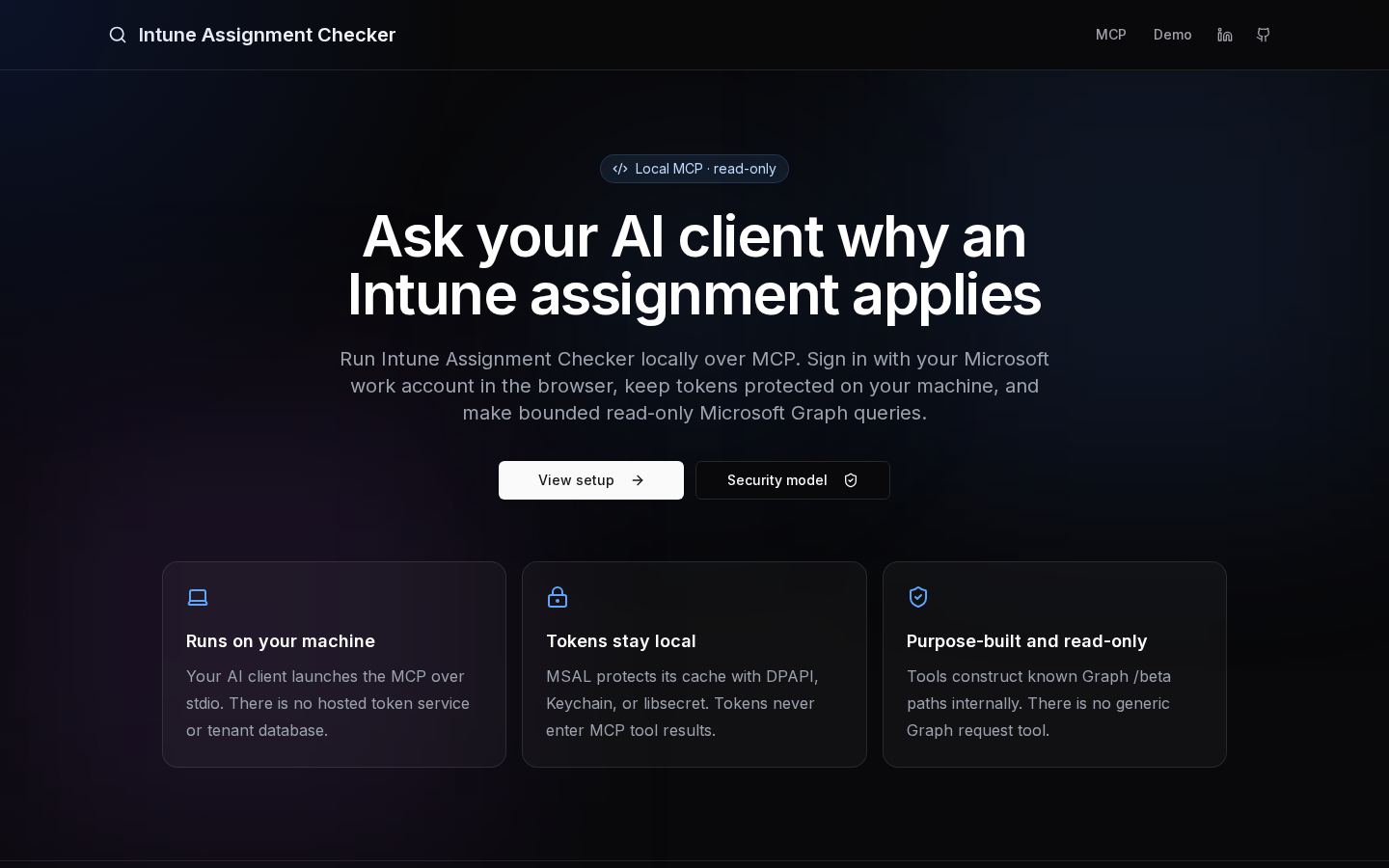
Explore the installation guide and security model at intuneassignmentchecker.ugurkoc.de/mcp.
Current implementation
The first delegated vertical slice is implemented:
- Local MCP transport over stdio.
- Interactive browser sign-in with delegated Microsoft Graph permissions.
- OS-protected persistent MSAL cache (Windows DPAPI, macOS Keychain, or Linux libsecret), with memory-only fallback if secure persistence is unavailable.
get_connection_status.search_policies.get_policy_assignments.- Strict Microsoft Graph
/betaURL construction and continuation validation. - Bounded calls, pages, execution time, response bytes, retries, and result sizes.
- Opaque, one-time, tenant-bound MCP cursors; raw Graph
@odata.nextLinkvalues never enter model context. - Explicit partial-coverage and delegated-RBAC uncertainty reporting.
The one production app registration has been created, its public-client ID is embedded, and the package is available from npm. The code contains no second development registration. The embedded client ID also makes source builds testable without supplying a separate registration.
Architecture
AI client
  -> local stdio MCP process
     -> MSAL delegated sign-in in the user's browser
     -> OS-protected local token cache
     -> internally generated, read-only Microsoft Graph /beta requests
There is no hosted MCP endpoint, Auth0 tenant, customer token database, service certificate, or server-side Graph token exchange.
Install from npm
Requirements: Node.js 20 or newer and a supported local stdio MCP client. The client launches the package on demand; users do not install it globally or create an Entra app registration, client secret, or certificate.
Claude Desktop
Open Settings → Developer → Edit Config and add:
{
  "mcpServers": {
    "intune-assignment-checker": {
      "command": "npx",
      "args": ["-y", "intune-assignment-checker-mcp@latest"]
    }
  }
}
Restart Claude Desktop after saving the configuration.
Claude Code
Add the server at user scope so it is available in every project:
claude mcp add --transport stdio --scope user intune-assignment-checker -- npx -y intune-assignment-checker-mcp@latest
Run claude mcp list or open /mcp inside Claude Code to verify the connection.
ChatGPT Desktop and Codex
The ChatGPT desktop app, Codex CLI, and the Codex IDE extension share MCP configuration on the same machine. Add the server with:
codex mcp add intune-assignment-checker -- npx -y intune-assignment-checker-mcp@latest
The equivalent ~/.codex/config.toml entry is:
[mcp_servers.intune-assignment-checker]
command = "npx"
args = ["-y", "intune-assignment-checker-mcp@latest"]
Cursor
Add this server to Cursor's MCP configuration:
{
  "mcpServers": {
    "intune-assignment-checker": {
      "command": "npx",
      "args": ["-y", "intune-assignment-checker-mcp@latest"]
    }
  }
}
VS Code
Add this server through MCP: Add Server or place the following in the
appropriate VS Code mcp.json file:
{
  "servers": {
    "intune-assignment-checker": {
      "type": "stdio",
      "command": "npx",
      "args": ["-y", "intune-assignment-checker-mcp@latest"]
    }
  }
}
First use
Ask the client an Intune assignment question. The first functional tool call opens Microsoft sign-in in the browser. After delegated consent, the MCP stores the token cache under the current OS user's protection and reuses it on later launches. Sign in or revoke the local cache explicitly with:
npx -y intune-assignment-checker-mcp@latest login
npx -y intune-assignment-checker-mcp@latest status
npx -y intune-assignment-checker-mcp@latest logout
ChatGPT Web and Claude.ai cannot directly launch an npx process on the user's
machine. This local installation path targets their desktop clients and other
local stdio MCP hosts.
Local development
Requirements: Node.js 20 or newer. Linux secure persistence also requires a Secret Service implementation such as GNOME Keyring/libsecret.
npm install
npm run check
npm run build
The production client ID is embedded. IAC_MCP_CLIENT_ID remains available only
as an explicit override for controlled testing:
export IAC_MCP_CLIENT_ID="your-test-public-client-id"
Optionally pin guest or multi-tenant administrators to a specific tenant GUID:
export IAC_MCP_TENANT_ID="your-tenant-id"
Sign in explicitly, or let the first functional tool open sign-in:
node dist/index.js login
node dist/index.js status
node dist/index.js logout
For a headless session:
node dist/index.js login --device-code
Set IAC_MCP_AUTO_SIGN_IN=false if model-triggered tool calls must return auth_required instead of opening a browser.
MCP client configuration during development
Build first, then point the client to the absolute local file:
{
  "mcpServers": {
    "intune-assignment-checker": {
      "command": "node",
      "args": ["/absolute/path/to/IntuneAssignmentChecker-MCP/dist/index.js"]
    }
  }
}
The public npx configurations are documented in Install from npm.
The one Entra app registration
The standard path uses exactly one publisher-owned registration named Intune Assignment Checker MCP:
- Supported accounts: any organizational directory.
- Public/native client; no client secret or certificate.
- Delegated Graph permissions only.
- Loopback redirect URI:
http://localhost. - Authority:
organizations, withIAC_MCP_TENANT_IDoverride. - No exposed MCP API and no application Graph permissions.
The current tools request only:
DeviceManagementConfiguration.Read.AllDeviceManagementApps.Read.AllGroupMember.Read.All
Additional delegated permissions will be added to this same registration only when the tools that use them ship. CloudPC.Read.All remains optional and is not part of the current consent bundle.
The publisher-only setup script is idempotent, requires the intended publisher
tenant GUID, and supports -WhatIf:
./scripts/Register-IntuneAssignmentCheckerMcpApp.ps1 -TenantId '<publisher-tenant-guid>' -WhatIf
./scripts/Register-IntuneAssignmentCheckerMcpApp.ps1 -TenantId '<publisher-tenant-guid>'
The script refuses an unexpected tenant, another API, or application permissions,
and always converges on the exact three current read-only delegated scopes. It
does not grant customer consent. The production registration was created and
read back through Microsoft Graph /beta; live delegated consent and tool calls
are verified separately before package publication.
Security and privacy boundaries
- Tokens never appear in tool arguments, tool results, stdout, or application logs.
- stdout is reserved for MCP JSON-RPC; diagnostics use stderr.
- No tool accepts a Graph URL or arbitrary Graph path.
- Graph redirects are rejected rather than followed.
- Policy, group, and filter names are untrusted data: control characters are stripped and lengths are bounded.
- Delegated Intune RBAC can silently narrow successful Graph results. Coverage reports this uncertainty; an empty result is not proof that the tenant has no matching object.
- Policy names, group names, filter rules, and other returned fields are sent by the MCP client to its configured model provider. Tokens and raw Graph payloads are not.
- Secure cache initialization never falls back to an unencrypted token file. If the OS keyring is unavailable, tokens remain in memory for that process only.
Because this is a shared multi-tenant public client, the publisher registration itself is security-critical. Its owners should use phishing-resistant MFA and privileged access controls, and changes to redirect URIs, permissions, or credentials should be monitored.
Supported policy categories
The first slice includes configuration policies, device configurations, compliance policies, mobile applications, and managed app configuration policies. Search uses client-side matching because Intune $filter/$search behavior is inconsistent across these collections.
The live verification tenant confirmed that these collections can return @odata.nextLink, assignment targets are polymorphic and include assignment-filter fields, empty value arrays are valid, and @odata.type is returned automatically but rejected when placed in $select.
Verification
npm run format:check
npm run lint
npm run typecheck
npm test
npm run build
npm audit
The tests cover URL and /beta enforcement, opaque cursor isolation, throttling, polymorphic targets, filter/group normalization, category contracts, and an in-memory MCP client/server exchange.
Automated PowerShell parity
The PowerShell module remains the behavioral reference, but synchronization is now enforced rather than assumed:
Tests/Parity/Export-McpParityFixtures.ps1in the PowerShell repository generates a deterministic, versioned Graphbetafixture.- PowerShell Pester tests fail when that committed fixture is stale.
npm run parity:syncvendors the fixture into this repository.- The TypeScript parity suite runs the same raw policies, polymorphic targets, filters, groups, app intents, and platform values through the MCP normalizer.
- Cross-repository CI fails until the TypeScript result matches the current PowerShell result.
Run the complete local handoff from this repository with:
npm run parity:sync
npm run parity:check
npm run check
npm run build
The MCP workflow also checks the PowerShell main branch every day. In the
PowerShell GitHub repository, set the Actions variable
IAC_MCP_REPOSITORY=ugurkocde/IntuneAssignmentChecker-MCP after this repository
is published. If the MCP repository is private, also add an
IAC_MCP_REPOSITORY_TOKEN secret with read access. Until that remote exists and
the variable is configured, the PowerShell-side cross-repository job is safely
skipped; local parity and the PowerShell fixture-drift test remain active.
This automation detects and blocks behavioral drift. It deliberately does not translate arbitrary PowerShell into TypeScript. After a reviewed version change is released on GitHub, the npm publication is performed by the provenance-enabled workflow documented in RELEASING.md.
推荐服务器

Baidu Map
百度地图核心API现已全面兼容MCP协议,是国内首家兼容MCP协议的地图服务商。

Playwright MCP Server
一个模型上下文协议服务器,它使大型语言模型能够通过结构化的可访问性快照与网页进行交互,而无需视觉模型或屏幕截图。

Magic Component Platform (MCP)
一个由人工智能驱动的工具,可以从自然语言描述生成现代化的用户界面组件,并与流行的集成开发环境(IDE)集成,从而简化用户界面开发流程。

Audiense Insights MCP Server
通过模型上下文协议启用与 Audiense Insights 账户的交互,从而促进营销洞察和受众数据的提取和分析,包括人口统计信息、行为和影响者互动。

VeyraX
一个单一的 MCP 工具,连接你所有喜爱的工具:Gmail、日历以及其他 40 多个工具。

graphlit-mcp-server
模型上下文协议 (MCP) 服务器实现了 MCP 客户端与 Graphlit 服务之间的集成。 除了网络爬取之外,还可以将任何内容(从 Slack 到 Gmail 再到播客订阅源)导入到 Graphlit 项目中,然后从 MCP 客户端检索相关内容。

Kagi MCP Server
一个 MCP 服务器,集成了 Kagi 搜索功能和 Claude AI,使 Claude 能够在回答需要最新信息的问题时执行实时网络搜索。

e2b-mcp-server
使用 MCP 通过 e2b 运行代码。

Neon MCP Server
用于与 Neon 管理 API 和数据库交互的 MCP 服务器

Exa MCP Server
模型上下文协议(MCP)服务器允许像 Claude 这样的 AI 助手使用 Exa AI 搜索 API 进行网络搜索。这种设置允许 AI 模型以安全和受控的方式获取实时的网络信息。