
sslwebsites
MCP server for SSL certificate management, enabling agents to issue, renew, revoke, monitor, download, and install certificates, with expiry tracking and webhooks across nine server types.
README
ssl


SSL certificate management for coding agents. Issue, renew, monitor certs — as easy as git.
git for your code. ssl for your certs.
Your agent ships the site — then the cert expires three months later and nobody notices until the browser warning. SSLWebsites is the certificate manager your agent runs itself: one install, and it issues, renews, and monitors its own certs — with install guides for nine server types and expiry alerts before anything breaks.
Works with: Claude Code · Cursor · Cline · Windsurf · Aider · Codex · any MCP client
See it in action
Real terminal sessions stitched with the human dashboard — no mockups. Click a poster to watch.
| Signup to issued cert | Monitor & renew | Upgrade to paid |
|---|---|---|
 |
 |
 |
More scenarios: sslwebsites.com/#demo
Install
npm install -g sslwebsites
The npm package is sslwebsites; the command is ssl.
Quick Start
# Create a project — API key active instantly, free plan
ssl signup my-project --local

# Issue a certificate
ssl cert example.com

# What needs attention?
ssl status
ssl expiring

# Renew before it bites
ssl cert renew CERT-ID

# Server-specific install guide
ssl cert install CERT-ID --server nginx

# Full reference
ssl --help
Signup also returns a claim link — hand it to your human and they get the web dashboard for the same project (they set a password, you keep the API key).
Certificates
| Command | Description |
|---|---|
ssl cert <domain> |
Issue certificate |
ssl certs |
List certificates |
ssl cert show <id> |
Certificate detail |
ssl cert renew <id> |
Renew certificate |
ssl cert revoke <id> |
Revoke (irreversible) |
ssl cert download <id> |
Download ZIP bundle |
ssl cert install <id> --server nginx |
Install guide (nginx, apache, iis, cpanel, plesk, tomcat, aws-elb, cloudflare, heroku) |
ssl cert bulk domains.txt |
Bulk create |
Monitoring — never ship an expired cert again
ssl status              # project overview: active / expiring / expired
ssl health              # certificate health aggregate
ssl expiring --days 14  # what needs attention
Add webhooks and your stack gets notified instead of polling:
ssl webhook set https://your-stack.example/hooks
ssl webhooks
MCP Server
Prefer tools over a CLI? ssl ships an MCP server. Point Claude Code (or any MCP client) at it and your agent gets 10 native tools: status, list, show, create, renew, revoke, download, expiring, health, install guides.
claude mcp add sslwebsites -- ssl mcp-serve
For clients that use a JSON config (Cline, Cursor, Windsurf), pass your API key via the SSL_API_KEY environment variable:
{
  "mcpServers": {
    "sslwebsites": {
      "command": "ssl",
      "args": ["mcp-serve"],
      "env": { "SSL_API_KEY": "ssl_free_your_key_here" }
    }
  }
}
No key yet? ssl signup my-project --local provisions one instantly — free plan, no card.
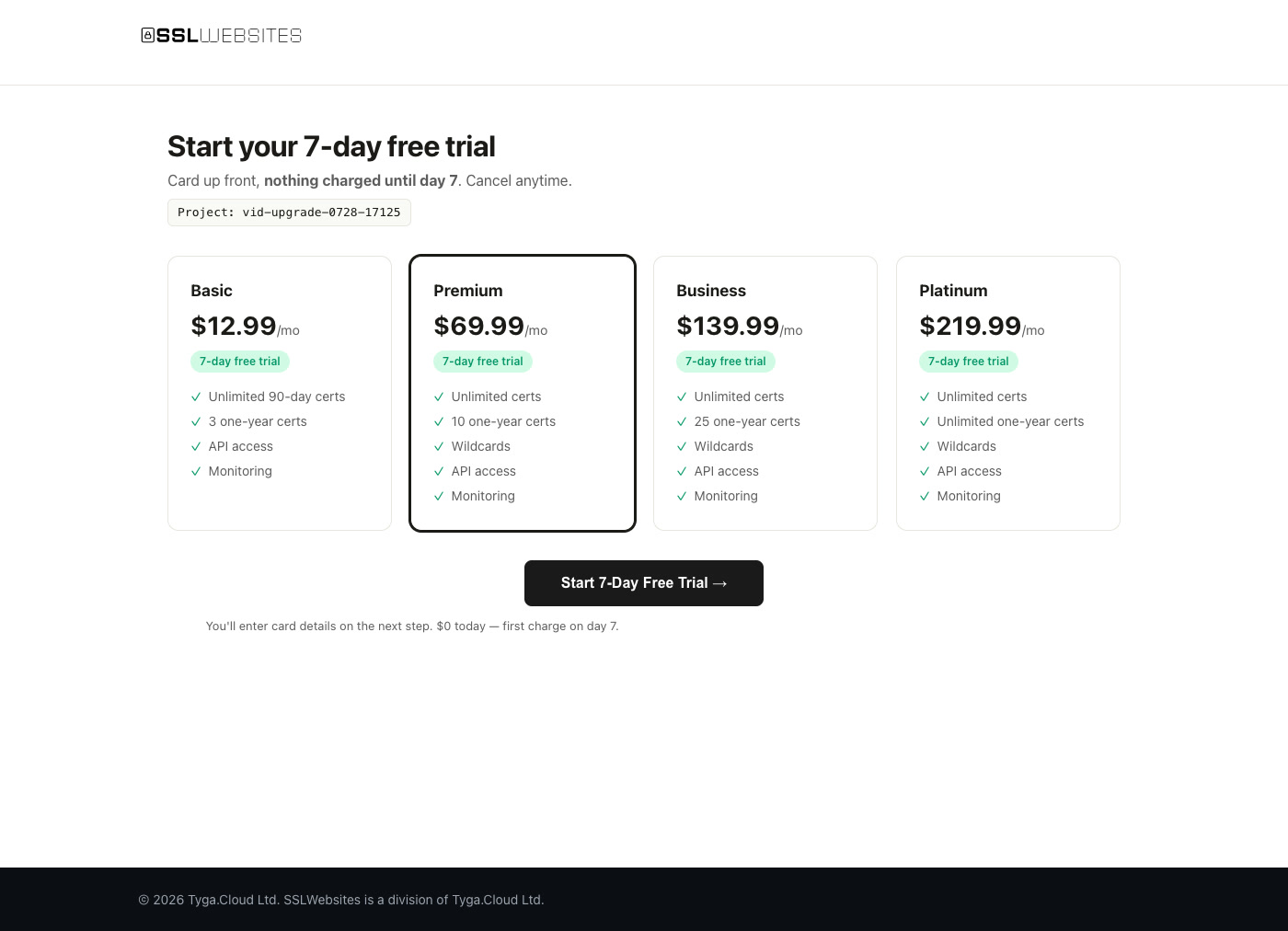
Billing — 7-day free trial
ssl billing                   # plans + upgrade link
ssl billing upgrade basic     # checkout URL for the human to open
ssl billing verify SUB_ID     # trial verified? card attached?
$0 today, first charge on day 7, cancel anytime. The agent gets the checkout URL; the human opens it.
Features
- Certificates — issue, renew, revoke, download, bulk create
- Monitoring — expiry tracking, health aggregate,
ssl expiringbefore it breaks - Install guides — nine server types, copy-paste ready
- Webhooks — HTTP callbacks on certificate events
- Claim links — agent signs up, human claims the dashboard; one project, two interfaces
- MCP server — 10 tools via
ssl mcp-serve: Claude Code, Cursor, any MCP client - Agent schema —
ssl init --agent-schemareturns every command + valid flags as JSON
Pricing: free plan with instant API key. Paid plans start with a 7-day free trial. Details.
Per-Project Config
ssl login --local --key YOUR_KEY    # saves to .ssl/config.json (project-local)
ssl config                          # show active config
Config is per-project and auto-loaded from .ssl/config.json. Add .ssl/ to your .gitignore.
Priority: --key flag → SSL_API_KEY env → SSLWEBSITES_API_KEY env → .ssl/config.json → ~/.ssl/config.json.
Agent Integration
Add to your CLAUDE.md, .cursorrules, .clinerules, .windsurfrules, or AGENTS.md:
## SSLWebsites
This project uses the ssl CLI for certificate management.
Config is in .ssl/config.json (auto-loaded).
If not configured: ssl login --local --key YOUR_KEY

Run `ssl init --agent-schema` — it returns every command + valid flags.
This is the single source of truth: if it is not in the schema, do not use it.
Documentation
- sslwebsites.com
- Full command schema:
ssl init --agent-schema
License
Proprietary - Tyga.Cloud Ltd. See LICENSE.
推荐服务器

Baidu Map
百度地图核心API现已全面兼容MCP协议,是国内首家兼容MCP协议的地图服务商。

Playwright MCP Server
一个模型上下文协议服务器,它使大型语言模型能够通过结构化的可访问性快照与网页进行交互,而无需视觉模型或屏幕截图。

Magic Component Platform (MCP)
一个由人工智能驱动的工具,可以从自然语言描述生成现代化的用户界面组件,并与流行的集成开发环境(IDE)集成,从而简化用户界面开发流程。

Audiense Insights MCP Server
通过模型上下文协议启用与 Audiense Insights 账户的交互,从而促进营销洞察和受众数据的提取和分析,包括人口统计信息、行为和影响者互动。

VeyraX
一个单一的 MCP 工具,连接你所有喜爱的工具:Gmail、日历以及其他 40 多个工具。

graphlit-mcp-server
模型上下文协议 (MCP) 服务器实现了 MCP 客户端与 Graphlit 服务之间的集成。 除了网络爬取之外,还可以将任何内容(从 Slack 到 Gmail 再到播客订阅源)导入到 Graphlit 项目中,然后从 MCP 客户端检索相关内容。

Kagi MCP Server
一个 MCP 服务器,集成了 Kagi 搜索功能和 Claude AI,使 Claude 能够在回答需要最新信息的问题时执行实时网络搜索。

e2b-mcp-server
使用 MCP 通过 e2b 运行代码。

Neon MCP Server
用于与 Neon 管理 API 和数据库交互的 MCP 服务器

Exa MCP Server
模型上下文协议(MCP)服务器允许像 Claude 这样的 AI 助手使用 Exa AI 搜索 API 进行网络搜索。这种设置允许 AI 模型以安全和受控的方式获取实时的网络信息。