
VidMCP
MCP server for video editing with text-prompt subject segmentation and compositing effects behind subjects. Enables agent-driven video creation and education animations.
README
<p align="center"> <img src="https://raw.githubusercontent.com/dhirajlochib/VidMcp/main/demos/samples/07_creator_polish.gif" width="640" alt="VidMCP 1.1 Creator polish" /> </p>
<h1 align="center">VidMCP</h1>
<p align="center"> <em>Agents don’t describe video. They cut it.</em> </p>
<p align="center"> <a href="https://vidmcp.com"><img alt="Website" src="https://img.shields.io/badge/vidmcp.com-d4ff2a?style=flat-square&labelColor=050507&color=d4ff2a" /></a> <a href="https://pypi.org/project/vidmcp/"><img alt="PyPI" src="https://img.shields.io/badge/PyPI-2affd1?style=flat-square&labelColor=050507" /></a> <a href="https://dhirajlochib.com/"><img alt="Author" src="https://img.shields.io/badge/Dhiraj%20Lochib-b18cff?style=flat-square&labelColor=050507" /></a> <img alt="Python" src="https://img.shields.io/badge/Python_3.11+-ffa24e?style=flat-square&labelColor=050507" /> <img alt="License" src="https://img.shields.io/badge/MIT-efefeb?style=flat-square&labelColor=050507" /> </p>
<p align="center"> <b>MCP server</b> for agent video editing — mattes · behind-the-subject VFX · audio polish · captions · export<br/> Built by <a href="https://dhirajlochib.com/">Dhiraj Lochib</a> · <a href="https://vidmcp.com">vidmcp.com</a> · <code>uv tool install vidmcp</code> </p>
Creator polish pipeline
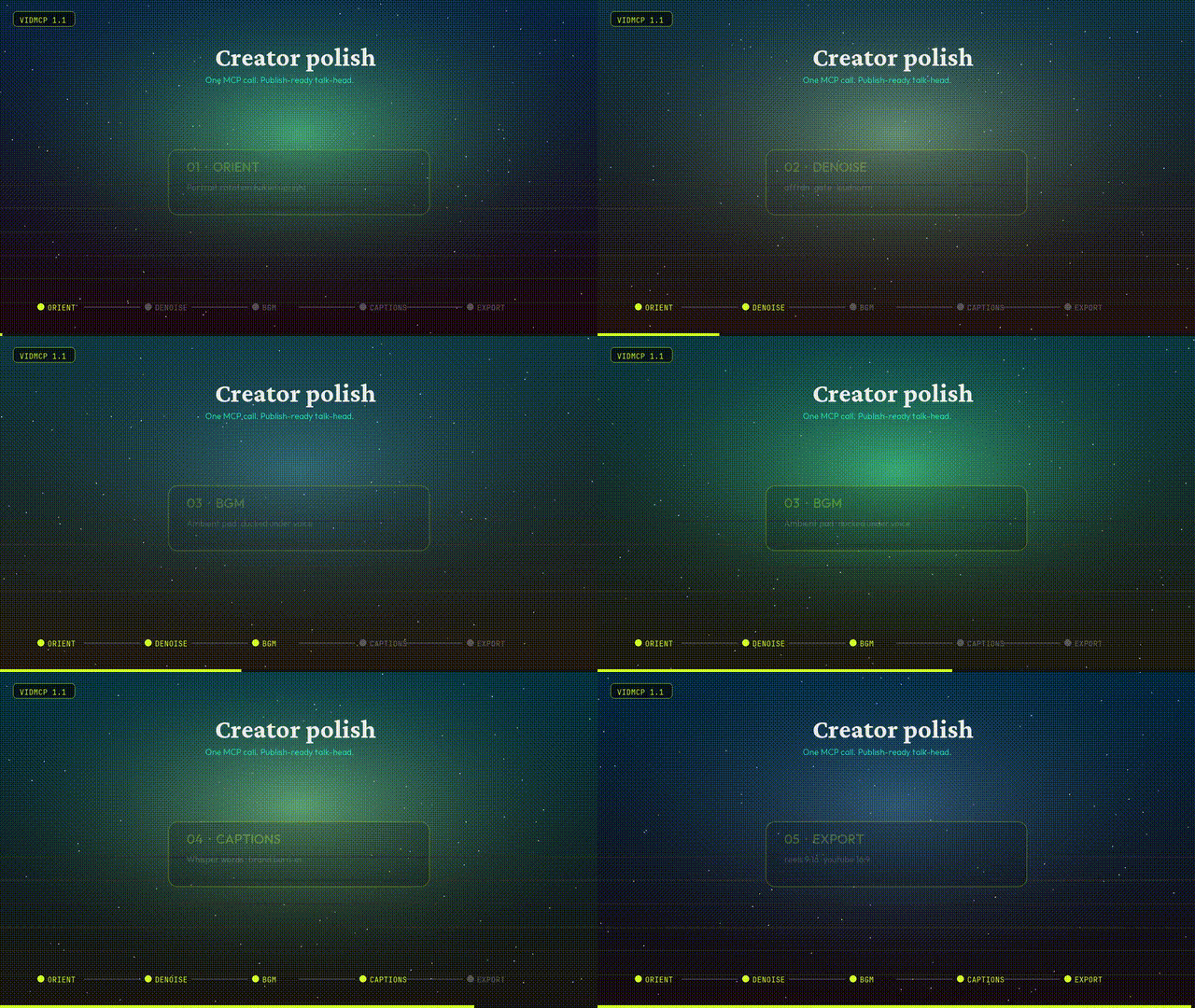
One call for a publish-ready talk-head:
orient → denoise → BGM → captions → optional BG replace → export preset
| Tool | What it does |
|---|---|
run_talking_head_polish |
Full recipe in one shot |
process_audio |
Denoise · gate · EQ · loudnorm |
mix_bgm |
Ambient pad under voice (ducking) |
transcribe_and_caption |
Whisper words + brand burn-in |
replace_background |
Matte + space / blur / solid plate |
smart_cut_hesitations |
Dead air & filler removal |
export_render |
youtube_16x9 · reels_9x16 · square_1x1 |
import_video |
Bakes portrait rotation upright by default |
from vidmcp.tools.creator import run_talking_head_polish

print(run_talking_head_polish(
    "talk.mov",
    preset="reels_9x16",
    bg_mode="space",   # none | space | blur | solid
    strength=0.75,
    bgm_volume=0.35,
))
MCP agents can also call apply_recipe(..., recipe_name="talking_head_polish") or free-text run_intent(...).
Agent context (tool packs + compact results)
Agents drown when MCP hosts load ~90 tool schemas and fat JSON. VidMCP defaults to a small surface:
| Setting | Default | Purpose |
|---|---|---|
VIDMCP_TOOL_PACK |
talking_head |
Expose only the tools for that product path |
VIDMCP_COMPACT |
1 |
Drop heavy keys / truncate long payloads |
VIDMCP_MAX_RESULT_CHARS |
4000 |
Hard cap on serialized tool results |
Packs: talking_head · education · vfx · admin · all
run_intent("polish talk head for reels, space bg, cut fillers", video_path="talk.mov")
project_brief(project_id)          # prefer over full get_project
list_tool_packs() / set_tool_pack("vfx")
get_project(id, detail=true)       # full manifest only when needed
Recipes: talking_head_polish · talking_head_reels · talking_head_space · talking_head_tight · talking_head_infographics.
For full surface (debug): VIDMCP_TOOL_PACK=all.
Gallery
<p align="center"> <img src="https://raw.githubusercontent.com/dhirajlochib/VidMcp/main/demos/samples/07_creator_polish.gif" width="560" alt="Creator 1.1" /><br/> <sub><b>1.1 Creator polish</b> — orient · denoise · BGM · captions · export</sub> </p>
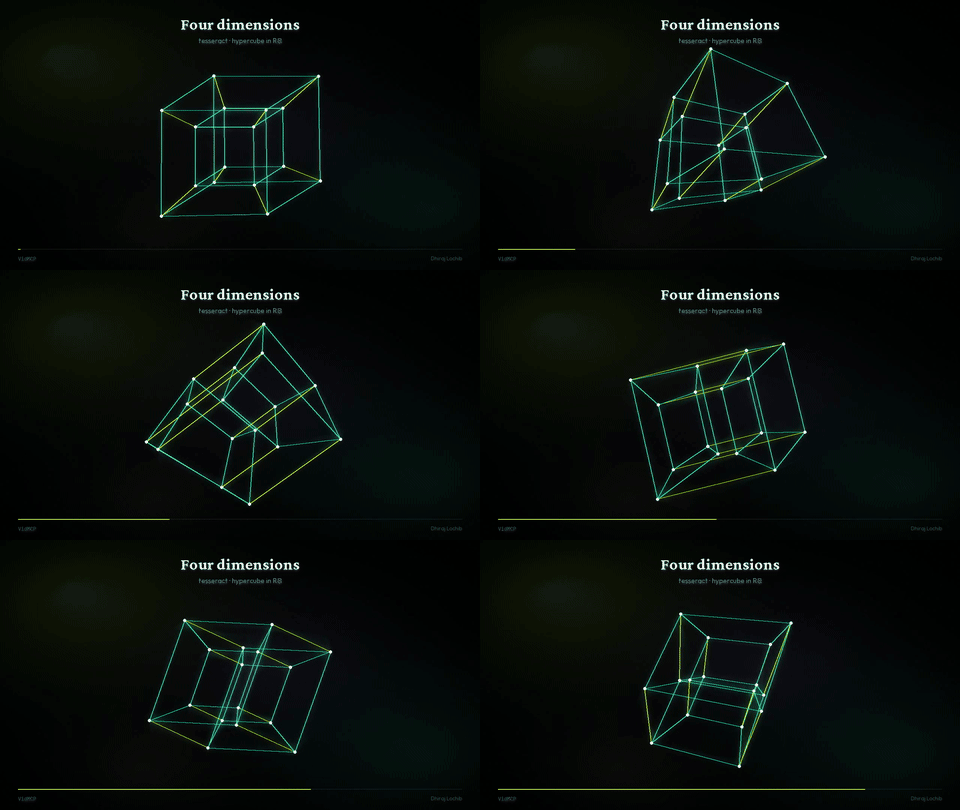
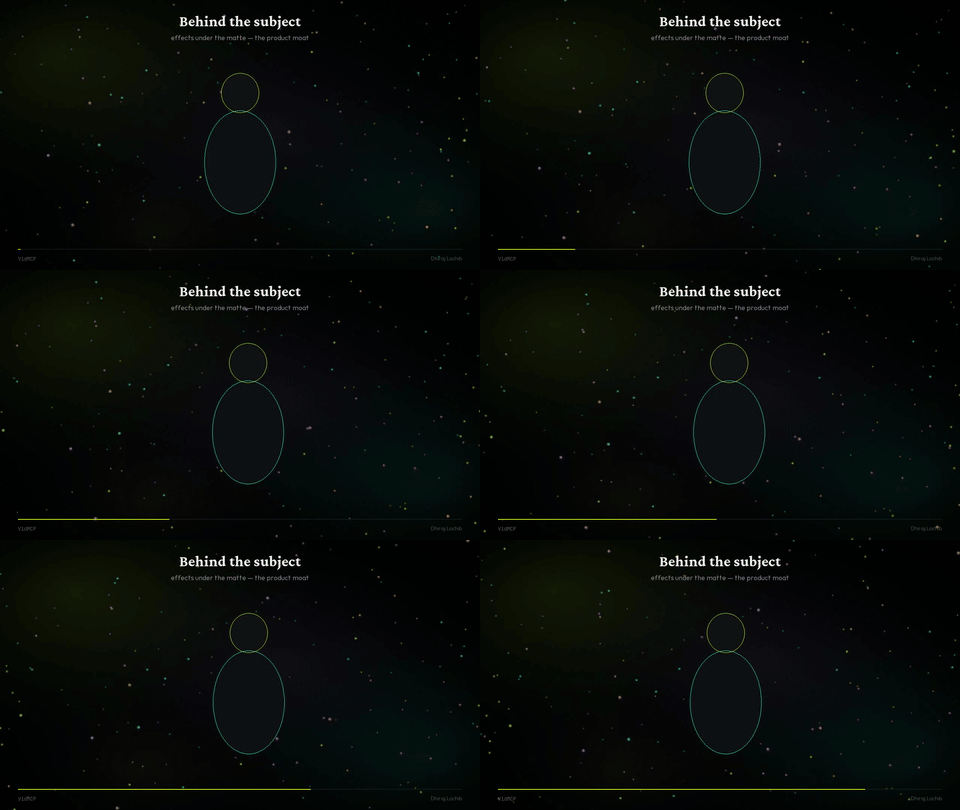
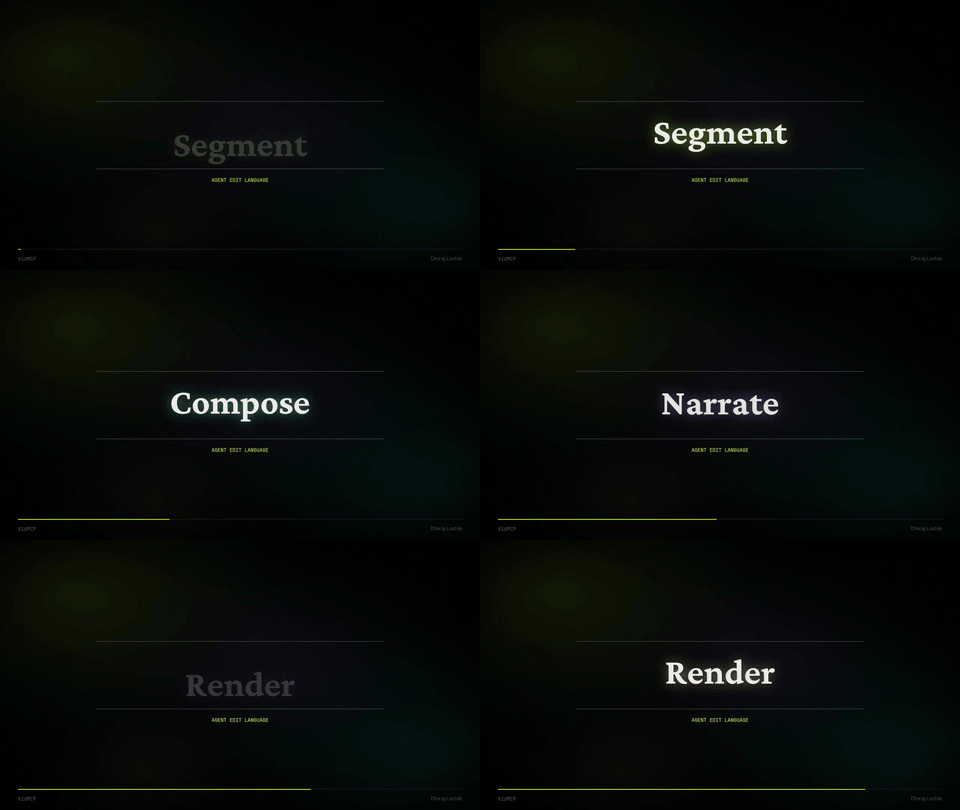
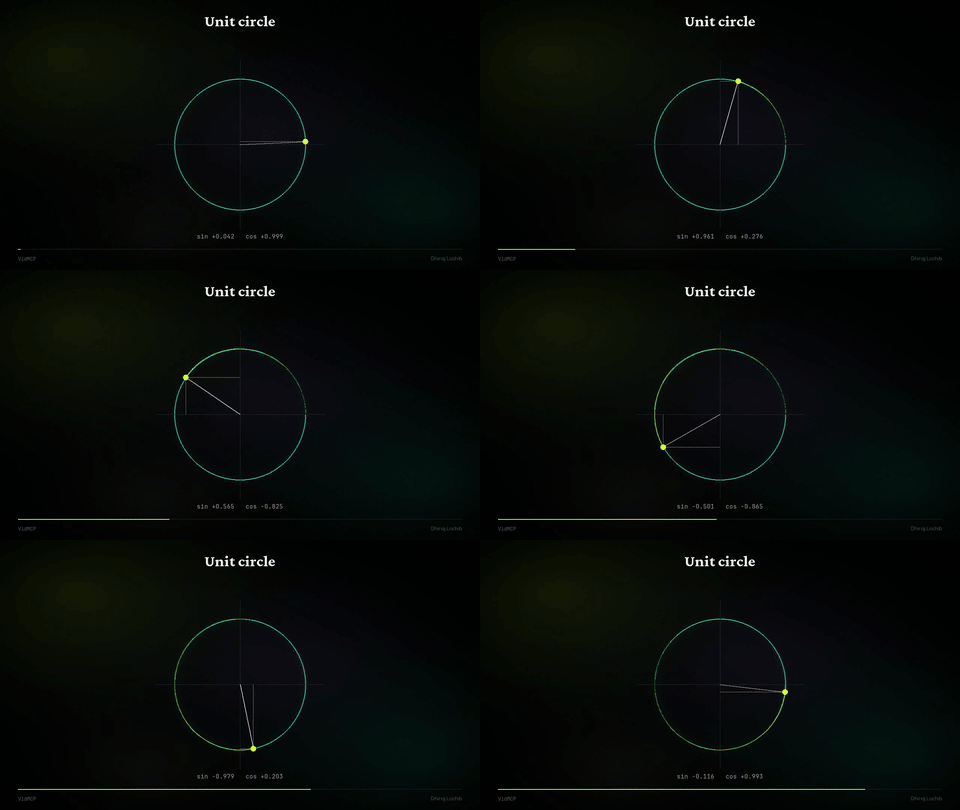
<table> <tr> <td align="center" width="50%"> <img src="https://raw.githubusercontent.com/dhirajlochib/VidMcp/main/demos/samples/03_behind_subject.gif" width="100%" alt="Behind subject" /><br/> <sub><b>Behind the subject</b></sub> </td> <td align="center" width="50%"> <img src="https://raw.githubusercontent.com/dhirajlochib/VidMcp/main/demos/samples/02_tesseract.gif" width="100%" alt="Tesseract" /><br/> <sub><b>Tesseract</b> · 4D trails</sub> </td> </tr> <tr> <td align="center" width="50%"> <img src="https://raw.githubusercontent.com/dhirajlochib/VidMcp/main/demos/samples/01_flowfield.gif" width="100%" alt="Flow" /><br/> <sub><b>Flow field</b></sub> </td> <td align="center" width="50%"> <img src="https://raw.githubusercontent.com/dhirajlochib/VidMcp/main/demos/samples/05_unit_circle.gif" width="100%" alt="Unit circle" /><br/> <sub><b>Unit circle</b></sub> </td> </tr> </table>
| Sample | GIF | MP4 |
|---|---|---|
| Creator polish | gif | mp4 |
| Flow field | gif | mp4 |
| Tesseract | gif | mp4 |
| Behind the subject | gif | mp4 |
| Kinetic | gif | mp4 |
| Unit circle | gif | mp4 |
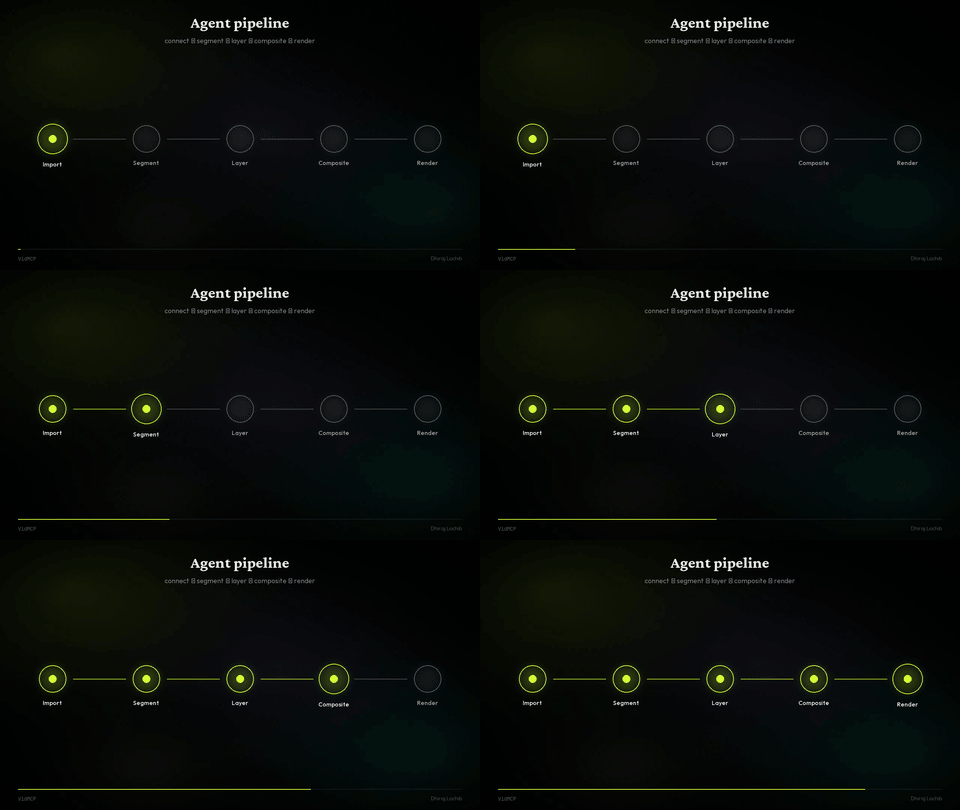
| Pipeline | gif | mp4 |
Install
Needs: Python 3.11+, ffmpeg, uv recommended
uv tool install vidmcp
vidmcp --doctor

# or
pip install 'vidmcp[creator]'   # + faster-whisper + mediapipe
MCP (Grok / Claude / Cursor)
# Grok
grok mcp add vidmcp \
  -e VIDMCP_SAM_BACKEND=mock \
  -e VIDMCP_WORKSPACE_ROOT=$HOME/vidmcp-workspaces \
  -e VIDMCP_TOOL_PACK=talking_head \
  -e VIDMCP_COMPACT=1 \
  -- uvx vidmcp
{
  "mcpServers": {
    "vidmcp": {
      "command": "uvx",
      "args": ["vidmcp"],
      "env": {
        "VIDMCP_SAM_BACKEND": "mock",
        "VIDMCP_WORKSPACE_ROOT": "/path/to/workspaces",
        "VIDMCP_TOOL_PACK": "talking_head",
        "VIDMCP_COMPACT": "1"
      }
    }
  }
}
Optional real matte on Apple Silicon:
pip install 'vidmcp[mlx]'
export VIDMCP_SAM_BACKEND=mlx
export VIDMCP_MLX_MODEL_ID=mlx-community/sam3.1-bf16
Core product
| Segment | Text-prompt subject matte (SAM / MLX / MediaPipe / mock) |
| Compose | Effects behind the subject |
| Audio | Denoise, enhance, BGM duck, loudnorm |
| Captions | Whisper timeline + brand burn-in |
| Educate | Math plates + speech-locked scenes |
| Export | 16:9 · 9:16 · 1:1 without stretch |
create_project → import_video (orient)
  → process_audio → mix_bgm
  → segment_subject | replace_background
  → transcribe_and_caption → export_render
Prefer high-level paths: run_talking_head_polish · apply_recipe · run_quality_gated_pipeline.
Project layout
src/vidmcp/     MCP server, creator tools, perception, effects
demos/samples/  GIFs · MP4s for README & site
site/           vidmcp.com (static Hostinger)
configs/        Claude / Cursor snippets
Author
Dhiraj Lochib — Full-Stack, Blockchain, AI
dhirajlochib.com · GitHub · LinkedIn · dhirajch145@gmail.com
License
推荐服务器

Baidu Map
百度地图核心API现已全面兼容MCP协议,是国内首家兼容MCP协议的地图服务商。

Playwright MCP Server
一个模型上下文协议服务器,它使大型语言模型能够通过结构化的可访问性快照与网页进行交互,而无需视觉模型或屏幕截图。

Magic Component Platform (MCP)
一个由人工智能驱动的工具,可以从自然语言描述生成现代化的用户界面组件,并与流行的集成开发环境(IDE)集成,从而简化用户界面开发流程。

Audiense Insights MCP Server
通过模型上下文协议启用与 Audiense Insights 账户的交互,从而促进营销洞察和受众数据的提取和分析,包括人口统计信息、行为和影响者互动。

VeyraX
一个单一的 MCP 工具,连接你所有喜爱的工具:Gmail、日历以及其他 40 多个工具。

graphlit-mcp-server
模型上下文协议 (MCP) 服务器实现了 MCP 客户端与 Graphlit 服务之间的集成。 除了网络爬取之外,还可以将任何内容(从 Slack 到 Gmail 再到播客订阅源)导入到 Graphlit 项目中,然后从 MCP 客户端检索相关内容。

Kagi MCP Server
一个 MCP 服务器,集成了 Kagi 搜索功能和 Claude AI,使 Claude 能够在回答需要最新信息的问题时执行实时网络搜索。

e2b-mcp-server
使用 MCP 通过 e2b 运行代码。

Neon MCP Server
用于与 Neon 管理 API 和数据库交互的 MCP 服务器

Exa MCP Server
模型上下文协议(MCP)服务器允许像 Claude 这样的 AI 助手使用 Exa AI 搜索 API 进行网络搜索。这种设置允许 AI 模型以安全和受控的方式获取实时的网络信息。